
You can now have near real-time subtitles in English or any other language on your phone during our 10am Sunday services.
Just scan the QR code on the screen at the start of the service or use this button
It will open in your browser (Safari, Chrome etc.). Nothing will be downloaded to your phone.
Just press the green arrow to get started.
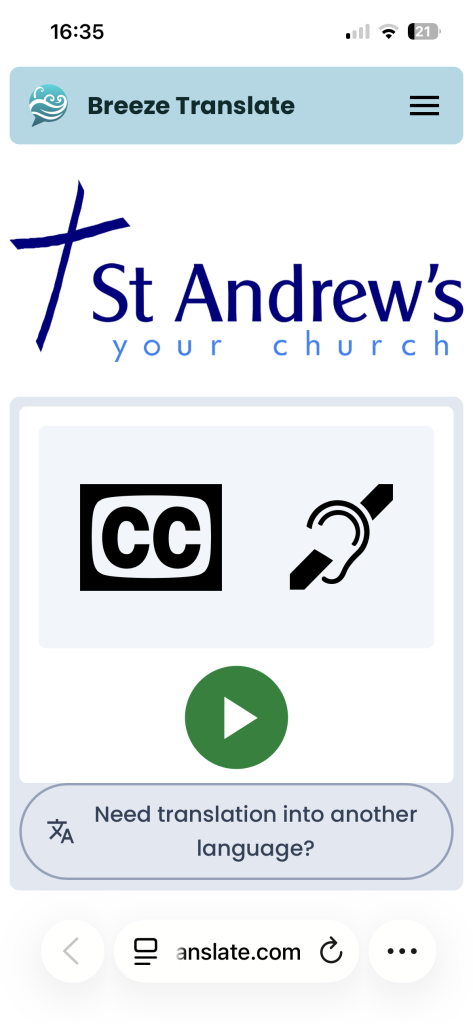
If you want the captions in another language, just press the button at the bottom.
If you leave the screen at any time, you can usually rejoin it by returning to your browser. Or just start it again as above.